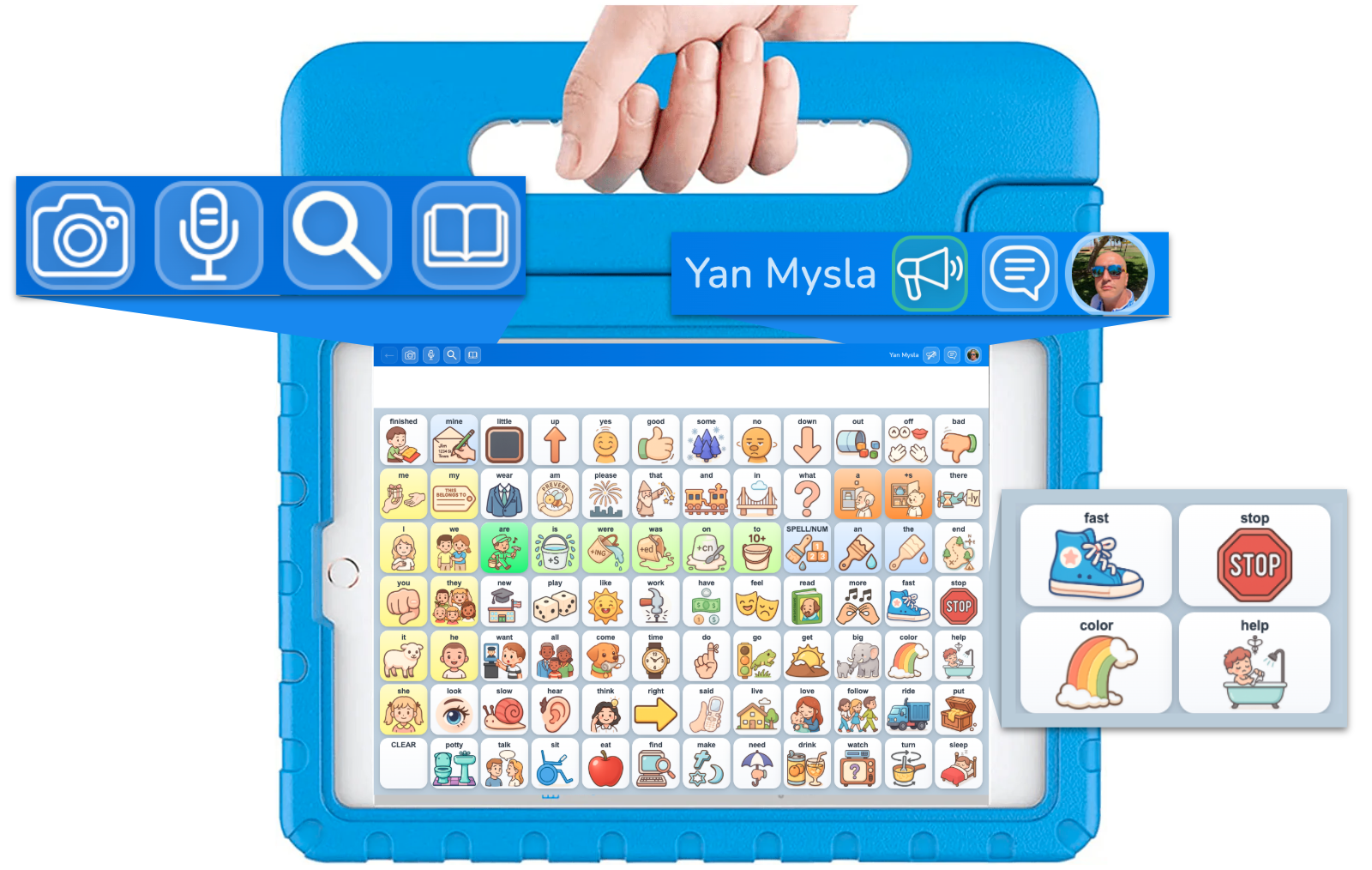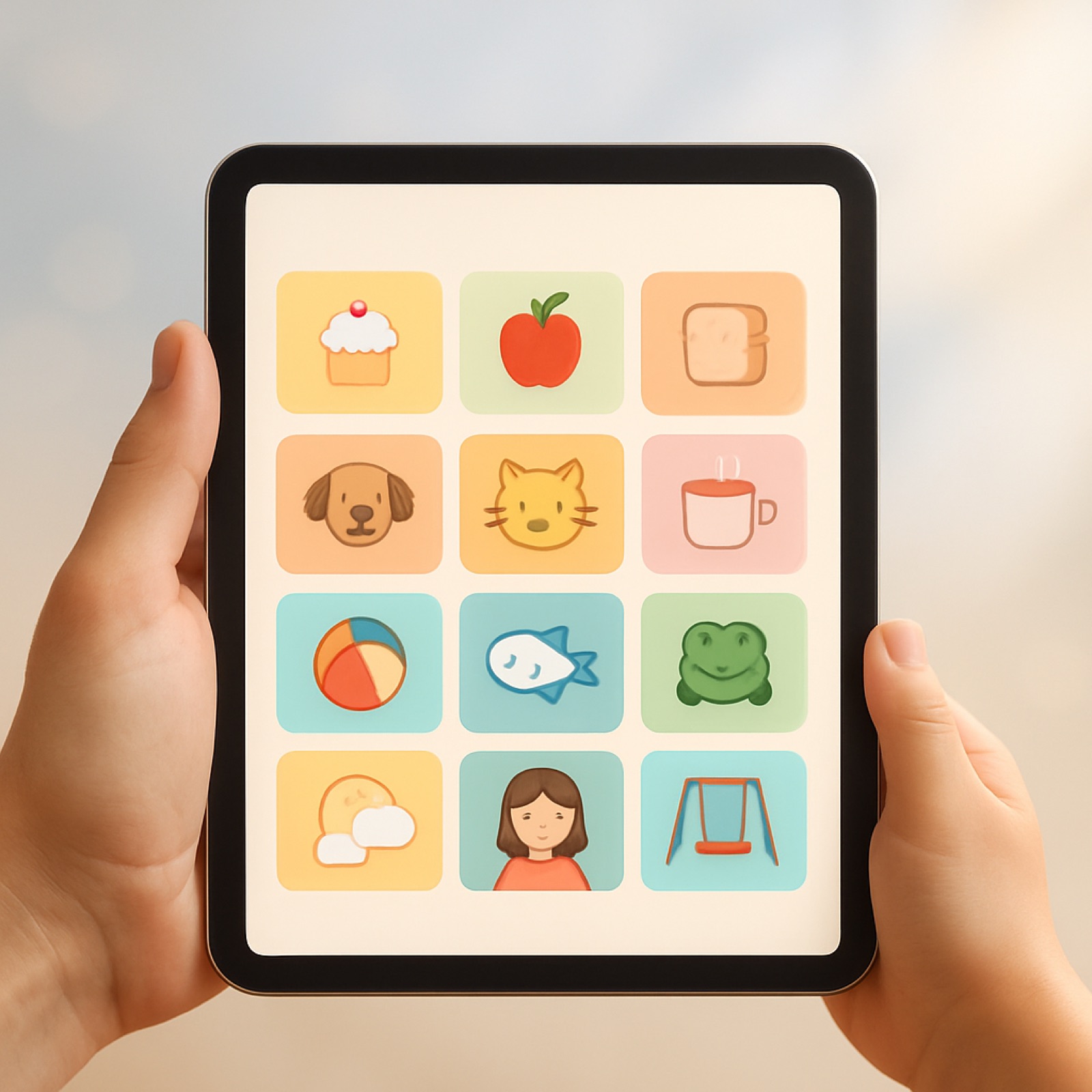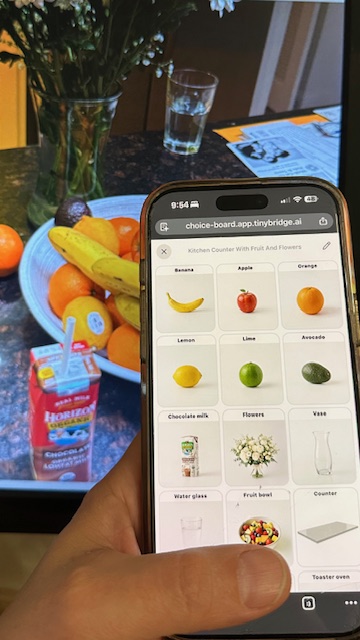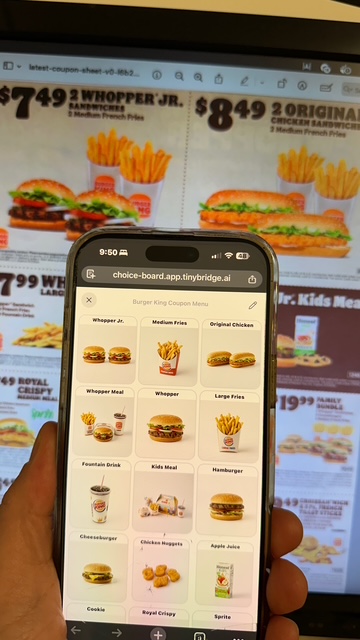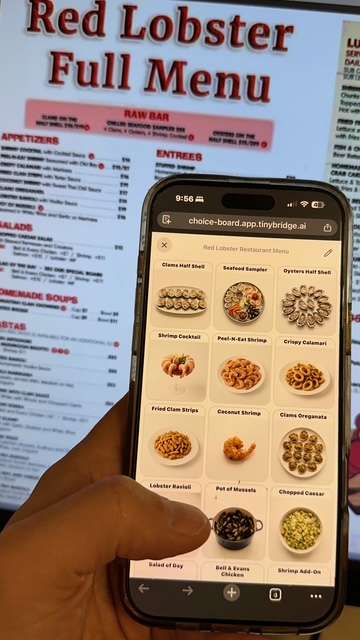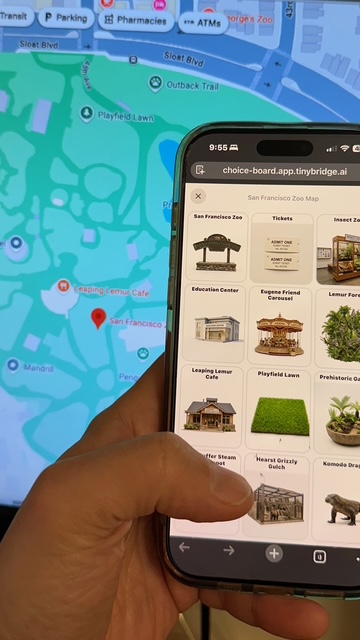
TinyBridge Choice Boards turns any photo into an interactive communication grid. Snap a photo of a menu, a shelf, or a scene — and instantly create a tappable board that speaks for those who can't.
Open the AppTake a photo of anything — real objects on a table, a map, a text menu, or a menu with pictures — and instantly generate an interactive choice board from it.
Take a photo of anything — a restaurant menu, grocery shelf, or activity options. AI detects every item and builds a choice grid automatically.
Non-verbal users tap a tile to select their choice. The app speaks it aloud with text-to-speech, making communication immediate and clear.
Each choice gets a clear, recognizable illustration generated by AI — making boards visually intuitive for users of all abilities.
Boards are stored locally on your device. Use them anywhere — at the park, in a restaurant, during therapy — even without internet.
Sign in with Google and your boards sync automatically. Create on your phone, use on your tablet — always up to date.
Your data is encrypted, isolated per user, and never sold. We take privacy seriously — especially for vulnerable users. See our compliance docs.
Take a picture of a menu, store shelf, scene, or anything with multiple options to choose from.
Vision AI analyzes the photo and identifies every item — food, products, activities, objects — with names, descriptions, and colors.
Edit the board — rename items, remove what you don't need, reorder tiles, and adjust the grid layout.
Hand the device to the user. They tap their choice, it highlights and speaks aloud. Simple, clear, empowering.
Give your child or loved one a voice at restaurants, stores, and everyday situations.
Create real-world choice boards on the fly for AAC therapy sessions.
Build visual supports for classrooms using photos of actual materials and activities.
Help non-verbal patients communicate needs and preferences during care.
Free to use. No downloads needed. Just sign in and snap a photo.
Open TinyBridge Choice Boards